Conquer The World WW2 Codes
Active skin codes, redemption steps, and how to catch new drops the moment they go live.
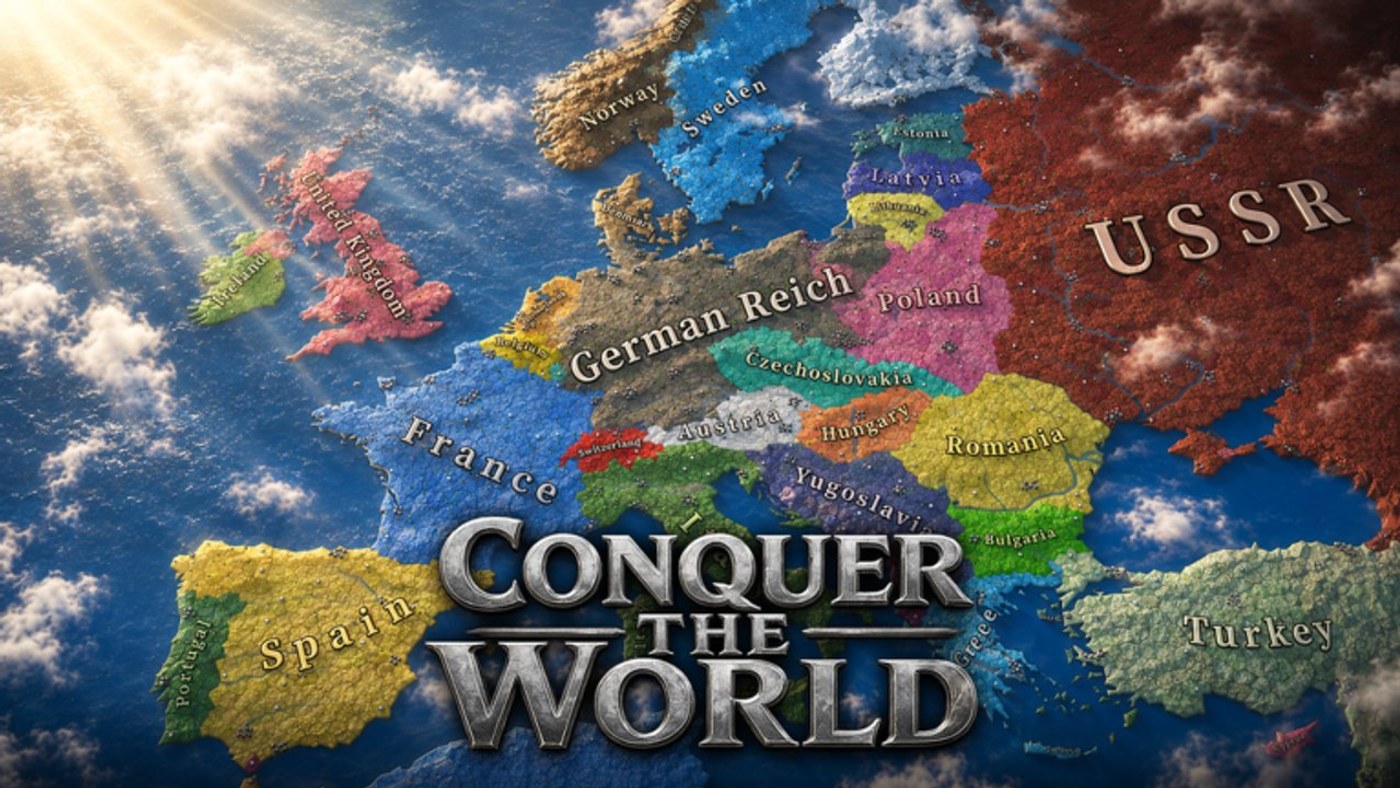
Conquer The World WW2 (CTWWW2) does not hand out codes as often as looter or simulator games on Roblox, but Marian_Dev has released cosmetic codes tied to community milestones and Discord events. This hub tracks every code we can confirm works right now, explains exactly where to type it in, and links to the full step-by-step walkthrough on How to Redeem Codes.
Active codes
| Code | Reward | Notes |
|---|---|---|
SPAIN_GOOD | Spain cosmetic skin | May require joining the official Discord first |
SPAIN_FUN:D | Spain Infantry WW2 skin | Case-sensitive, include the colon and D exactly |
Both codes currently reward Spain-themed cosmetics rather than gameplay boosts like factories or manpower, which lines up with how Marian_Dev has handled codes historically — they are a thank-you to the community rather than a pay-to-win shortcut. Because CTWWW2 is a strategy title and not a gacha game, do not expect a constant stream of codes; new ones tend to appear around Discord announcements, subscriber goals, or major content updates.
How codes fit into the wider game
Cosmetic skins from codes do not change your nation’s economy, research speed, or army composition. If you are chasing an edge on the map, your time is better spent reading the Getting Started guide and the Economy & Factories guide than farming for codes. Codes are a nice bonus, not a strategy.
Why codes stop working
Roblox developers frequently cap codes to a redemption window or a maximum number of uses, and CTWWW2 is no exception. If a code above stops working for you, it likely expired or hit its use limit. The safest way to catch new codes early is to join the official Discord server — CTWWW2 codes are typically announced there before anywhere else, and some codes even require Discord membership to redeem. We also cover community and update news on the Updates hub, so check there if a code here looks stale.
Where to redeem
All current codes are entered through Shop > Skins > Enter Code, not through a settings menu or chat command. If you have never redeemed a code in CTWWW2 before, walk through our dedicated redemption guide for a screenshot-free but exact click path, plus troubleshooting for codes that refuse to apply.
Reporting new codes
Because Marian_Dev does not publish codes on a fixed schedule, the community Discord is the fastest way to hear about a new one. If you spot a working code that is not listed here, the announcements channel on Discord is the best place to verify it before you rely on it, since Roblox is full of fake “codes” videos that recycle expired or fabricated strings for views.
Frequently Asked Questions
Quick answers to the most common questions.
Are there any active Conquer The World WW2 codes right now?
Yes — SPAIN_GOOD and SPAIN_FUN:D are the two confirmed codes, both unlocking Spain-themed cosmetic skins. See the full list above.
Where do I redeem codes in Conquer The World WW2?
Open the in-game Shop, go to the Skins tab, and select Enter Code. Full steps are on the how-to-redeem page.
Do codes give free factories or manpower?
No. Every known code so far only unlocks cosmetic skins, not economic or military bonuses.
Why did a code stop working?
Codes can expire or hit a redemption cap set by the developer. Check the official Discord for the latest confirmed list.
Do I need Discord to redeem codes?
Some codes require you to be a member of the official Discord server before they apply, so joining is worth doing even if you only want the cosmetics.