Conquer The World WW2 Scripts
What script users are automating, and the risks worth understanding first.
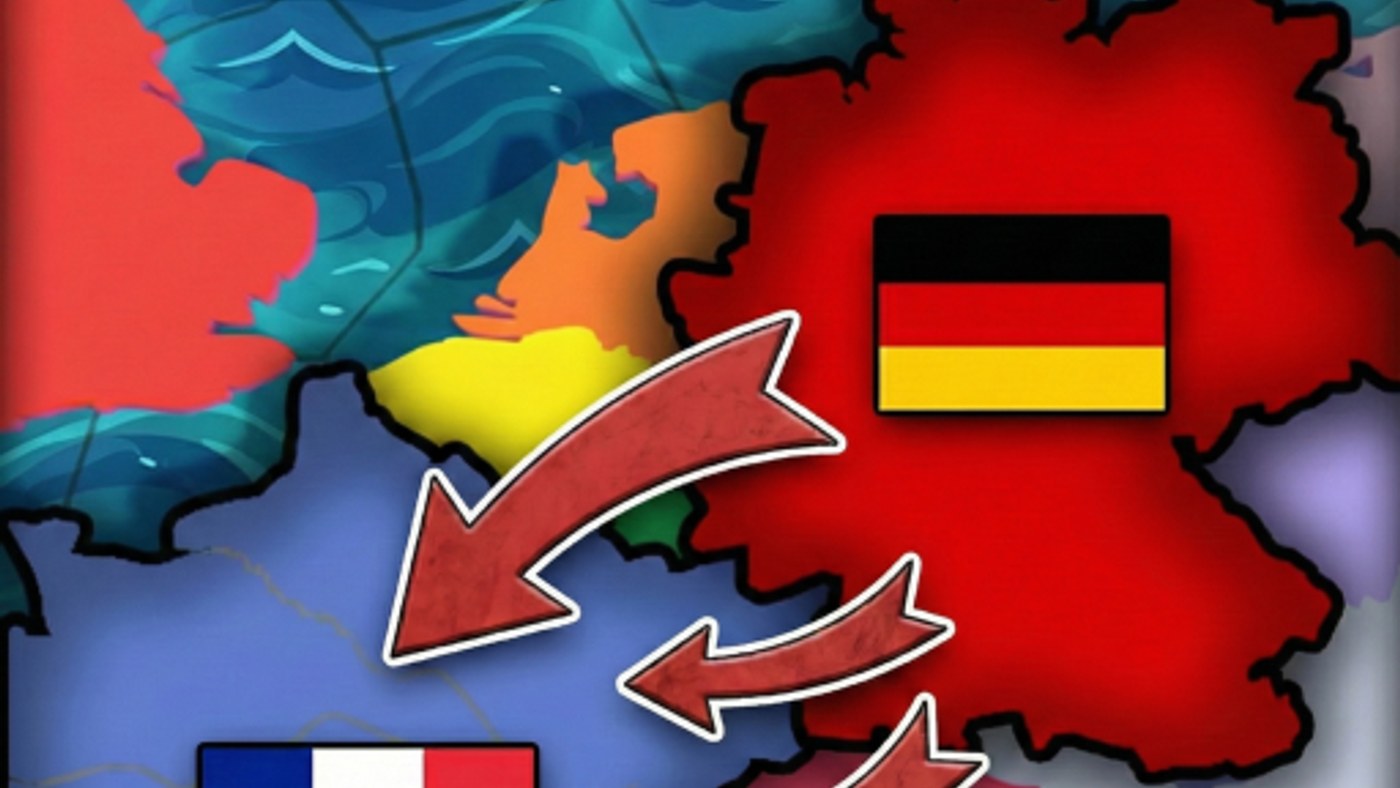
Because Conquer The World WW2 (CTWWW2) involves a lot of repetitive menu interaction — queuing research, managing production, moving armies across a large map — some players look for scripts that automate parts of the routine. This hub explains what these scripts generally do and links to our full usage walkthrough, along with the risks that come with running any third-party script in a Roblox experience.
What script users are automating
Most CTWWW2-focused scripts fall into two broad categories: automated capture and management tools that handle repetitive tasks like army captures, research queuing, and territory management, and automated movement tools that handle army positioning, spawning, and targeting so you spend less time manually clicking through the map interface. Our How to Use Scripts page lists the specific loadstrings and what each one covers in more detail.
Why players use them
CTWWW2 is a menu-heavy strategy game, and a full match can involve dozens of repetitive clicks across the production, research, and army panels described in Controls. Some players simply want to speed up the parts of the game they find tedious — like re-queuing research every time a tech finishes, or re-positioning divisions across a long front — without giving up the strategic decisions that actually matter to them.
Risks you should understand first
Running any third-party script comes with real tradeoffs that are worth weighing before you use one:
- Roblox account risk. Any script that requires executing arbitrary code (via a loadstring, for example) runs with your account’s permissions inside that session. Only run scripts from sources you trust, and understand that no script from outside the official game is endorsed or verified by Marian_Dev.
- It changes how you learn the game. If a script handles army movement or research queuing for you from the start, you may end up with a weaker understanding of the systems covered in our guides — worth considering if your goal is to actually get better at the strategy layer, not just automate it.
- Scripts can break after updates. CTWWW2 receives regular balance and content patches (see Updates); a script built against an older UI or menu structure may stop working, behave unpredictably, or need a new version entirely.
- It’s not the same as an official feature. Nothing here is affiliated with or endorsed by the CTWWW2 development team — treat any script as an unofficial, unsupported tool.
A safer alternative: play smarter, not faster
If your goal is simply to spend less time on repetitive menu work, our Controls guide covers keyboard shortcuts and panel navigation that speed up manual play without any of the account risk that comes with running third-party code. Combined with a solid research priority order and a clear economy plan, efficient manual play closes a lot of the gap that scripts are trying to solve.
Where to go next
If you have decided a script fits your playstyle, our How to Use Scripts page lists the current loadstrings and what each one automates. If you would rather stick to official tools, check the Codes hub for free cosmetics, or the Research Planner for a manual checklist that speeds up decision-making without touching any third-party code.
Frequently Asked Questions
Quick answers to the most common questions.
Are Conquer The World WW2 scripts official?
No, scripts are third-party tools created by the community, not features built or endorsed by the CTWWW2 development team.
What do these scripts typically automate?
Common categories include automated capture, army, and research management, plus automated movement, spawning, and targeting.
Is it risky to run a script with a loadstring?
Yes, any code executed via loadstring runs with your account's permissions in that session, so only use sources you trust and understand the risk.
Will a script still work after a game update?
Not necessarily — scripts built against an older interface can break or behave unpredictably after balance or content patches.
Is there a safer way to speed up gameplay?
Learning keyboard shortcuts and panel navigation from our Controls guide speeds up manual play without any of the account risk of third-party scripts.